
Withdrawing Earnings
A simple guide on how to withdraw your earnings from the BitWrk platform.

Author
Anthony BuddAfter you have completed a task, you will be paid for the work done. These funds will be credited to your account balance. You can withdraw your earnings at any time.
Step 1: Log In and Navigate to the Finances Page
The first step to withdrawing your earnings is logging into your account and opening the Finances page.
-
Login to your Bitwrk account by going to app.BitWrk.io
-
Enter your username and password, then complete any additional security checks, such as two-factor authentication (2FA).
-
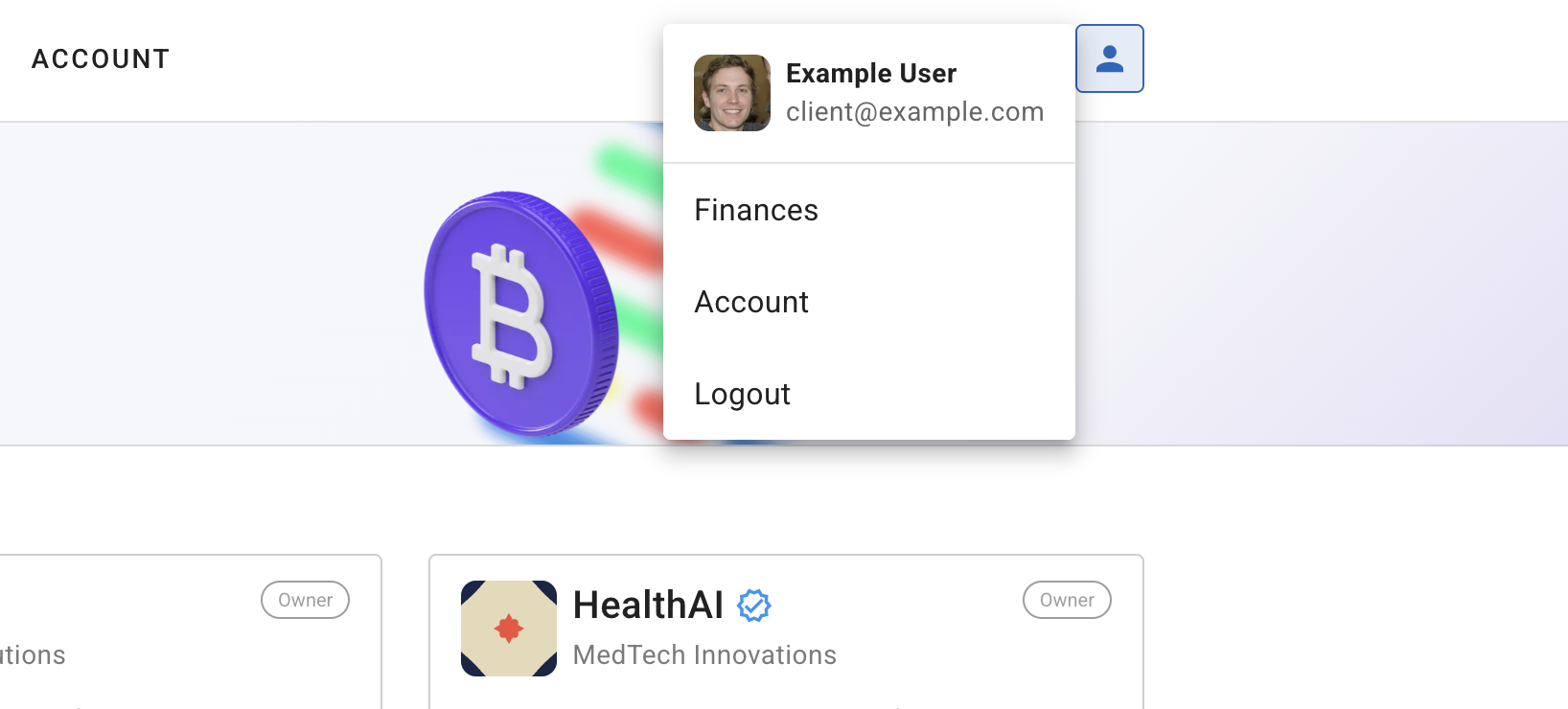
Once logged in, open on the “Finances” page. This can be found under on the main user menu, as shown in the screenshot below.
Step 2: Start a New Withdrawl
On the Finances page, you will be able to see all of the transactions that have been made with your account. To start a new withdrawl, click the “Withdraw” button.
-
Click the “Withdraw” button to start a new withdrawl.
-
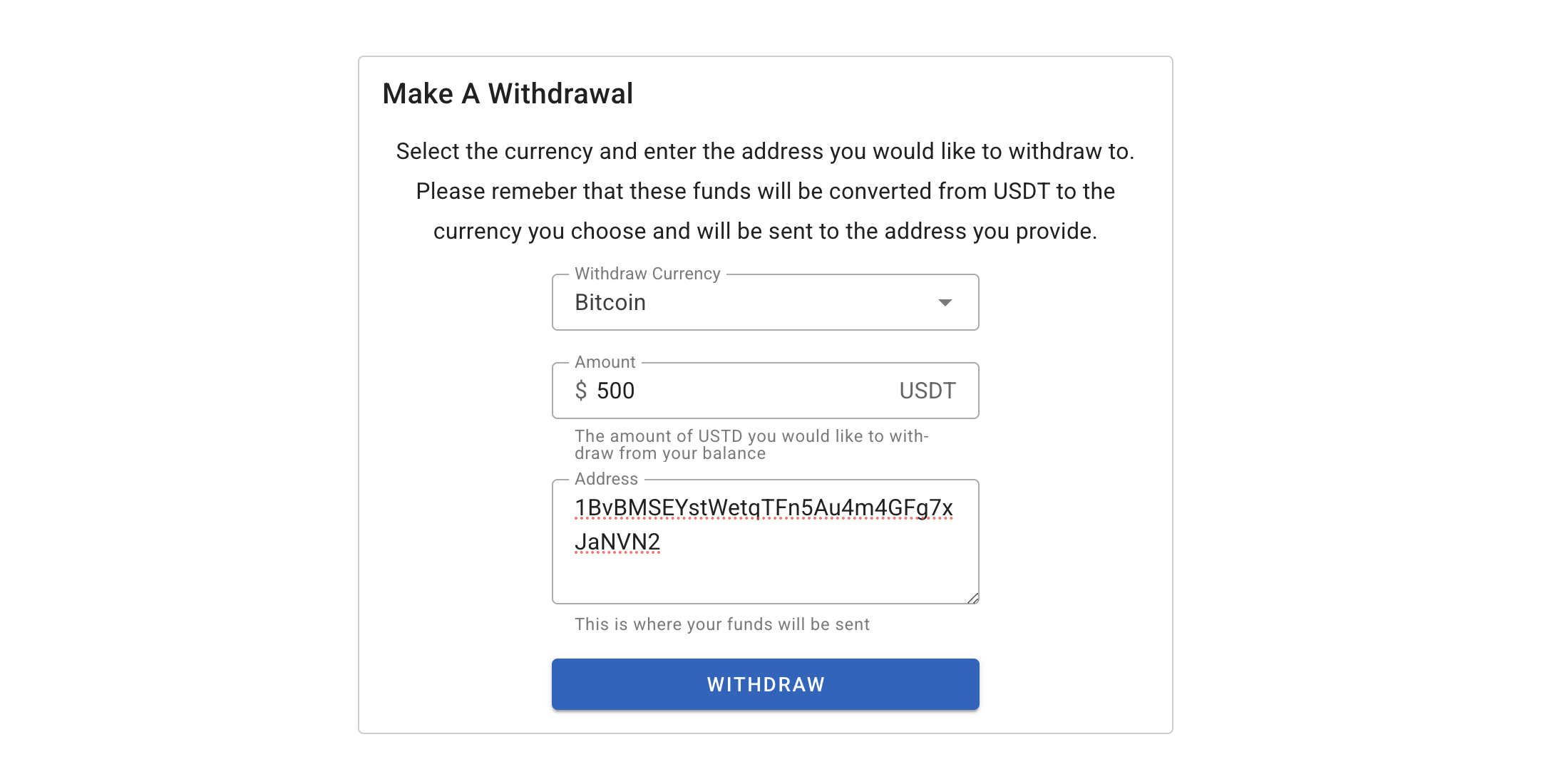
Select the currency, the amount you would like to withdraw and the address you would like the funds withdrawn to.
-
Next you will be taken to the transaction details page. Here you will be able to see the status of the withdrawl.
Step 3: Wait For The Withdrawl
For security reasons, all withdrawls are pending for 6 hours. If you need to cancel the withdrawl, you can do so by clicking the “Cancel” button. After the 6 hours, the withdrawl will be sent to the address you provided.
You will receive an email or notification once your funds are credited.
If your withdrawl does not appear within the expected time frame, check your transaction history to ensure it was successfully sent. Failed transactions will be displayed in your transaction history.
If you encounter any delays beyond the six-hour period, contact customer support with your transaction reference number for assistance.